PLATPLAY ROOM MANAGER
The room tells you if it's free.
A booking panel at every meeting room door, connected to Exchange, Microsoft 365 or Google Workspace and check-in that gives back the rooms nobody turned up for.
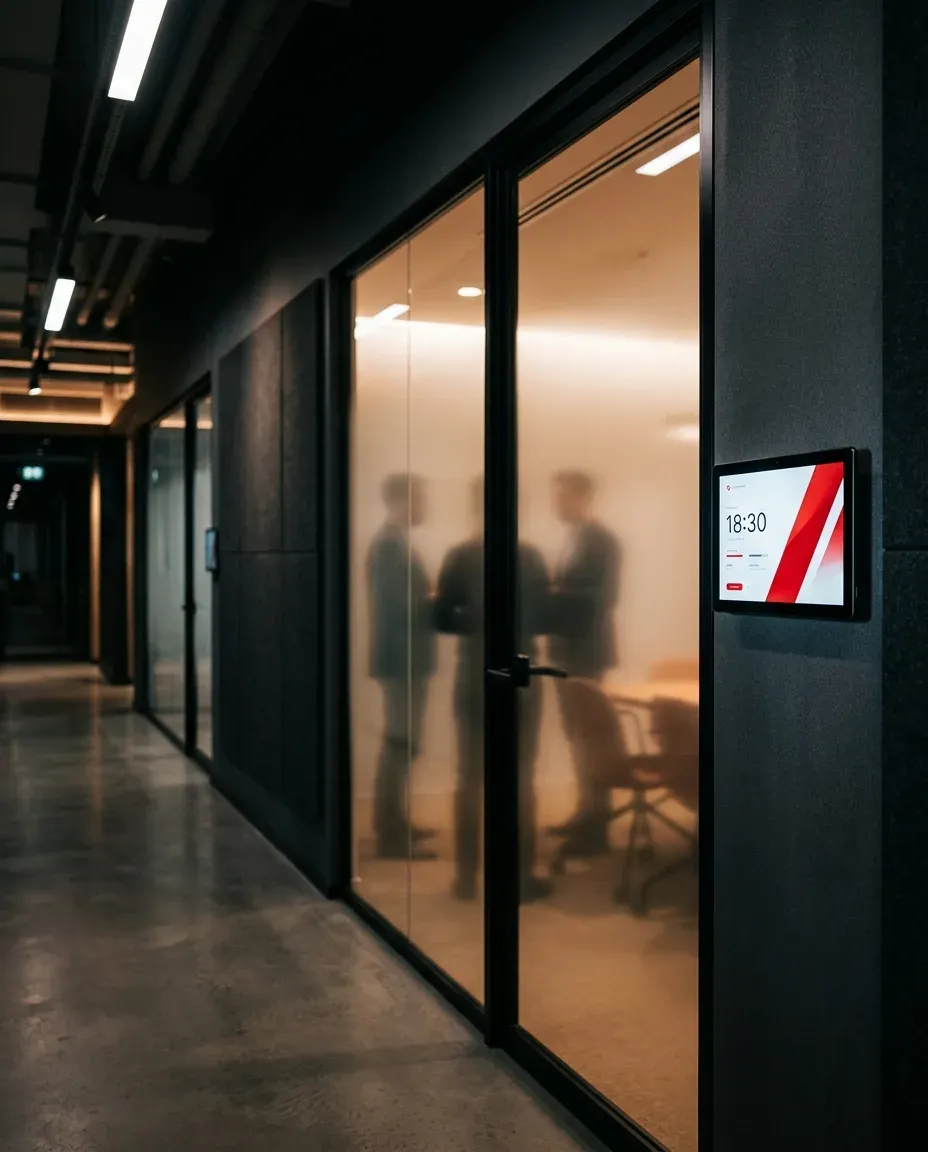
One panel. Every door.
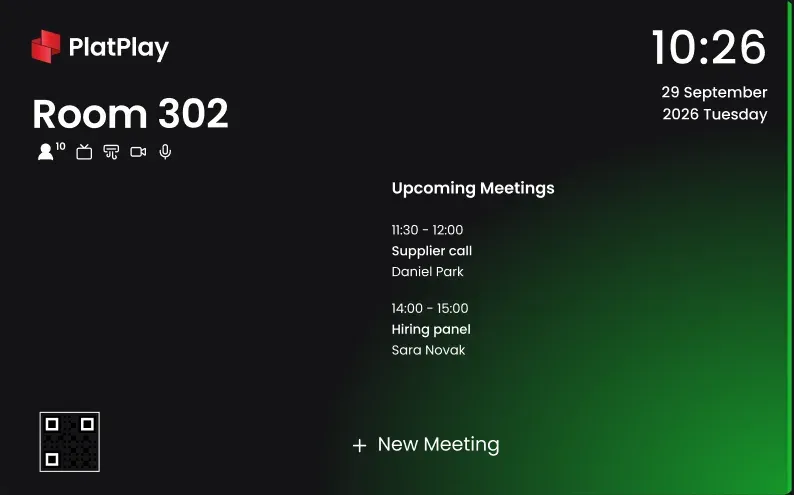
A screen beside each meeting room shows the room, what is on now and what comes next and lets people act on it where they stand.

- The roomName, seats and features
- The meeting on nowSubject, time and organiser
- Check-in, Extend, EndRight at the door
- Clock and dateAlways on the wall
- Upcoming meetingsThe rest of the day
- New MeetingBook the room from the panel
Find a free room. Book it in the gap.
Pick a location, group, capacity, feature and date and the rooms that fit are listed half hour by half hour. Choose a free one, add a subject, attendees and a repeat if you need one and the invitations go out by email.
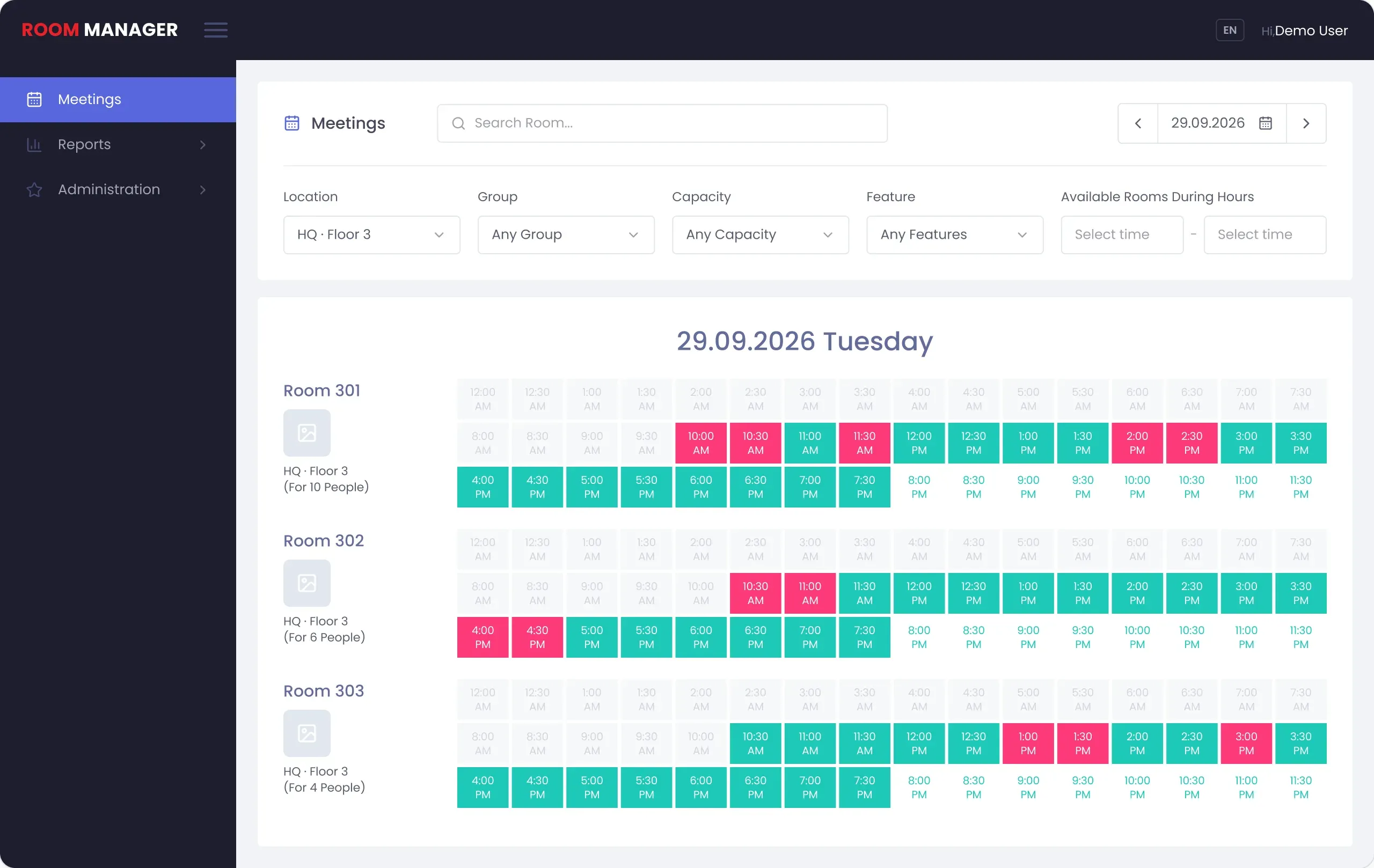
- Past
- Booked
- Free, click one to book it

Nobody came? The room is free.
With check-in required, attendees confirm the meeting on the panel. If nobody does within the Close Time, the room turns free again.
- 10:00
The meeting is due
Room 301, Quarterly planning. The door panel shows Check-in.
- 10:10
Close Time, 10 minutes
Nobody has checked in.Not every attendee has checked in.
- 10:10
The room is free again
Anyone can take it with New Meeting on the panel or book it from the Meetings screen.
Beyond the door.
One screen for the whole floor and tea ordered without leaving the meeting.
Panorama
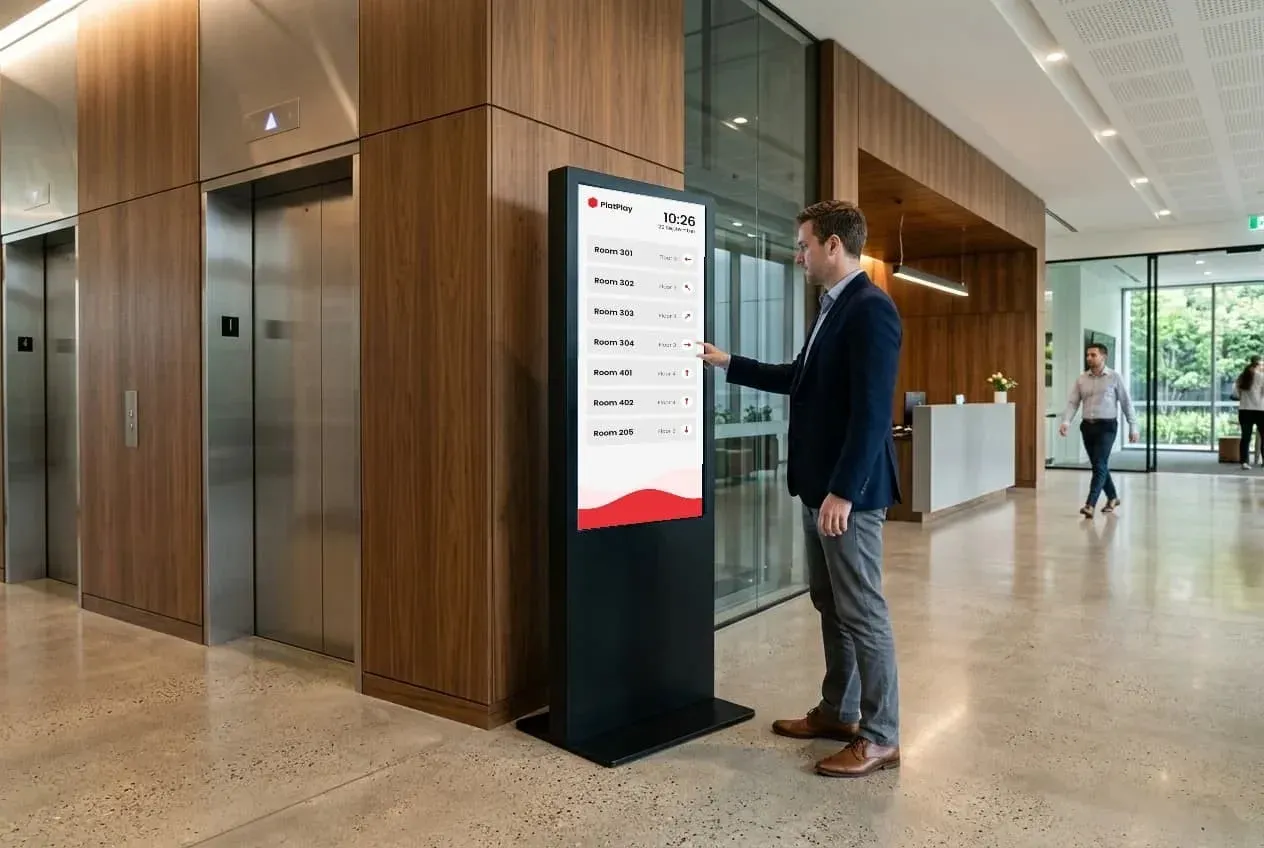
A screen by the lifts shows the rooms you choose and points to each one from where it stands. On a touchscreen, a room can be booked right there.
Meeting rooms
10:26
- Room 301Floor 3
- Room 302Floor 3
- Room 401Floor 4
Kitchen
An order from a room lands on the kitchen screen with a sound or a light if it has an LED. The kitchen marks each one and the room can follow it.
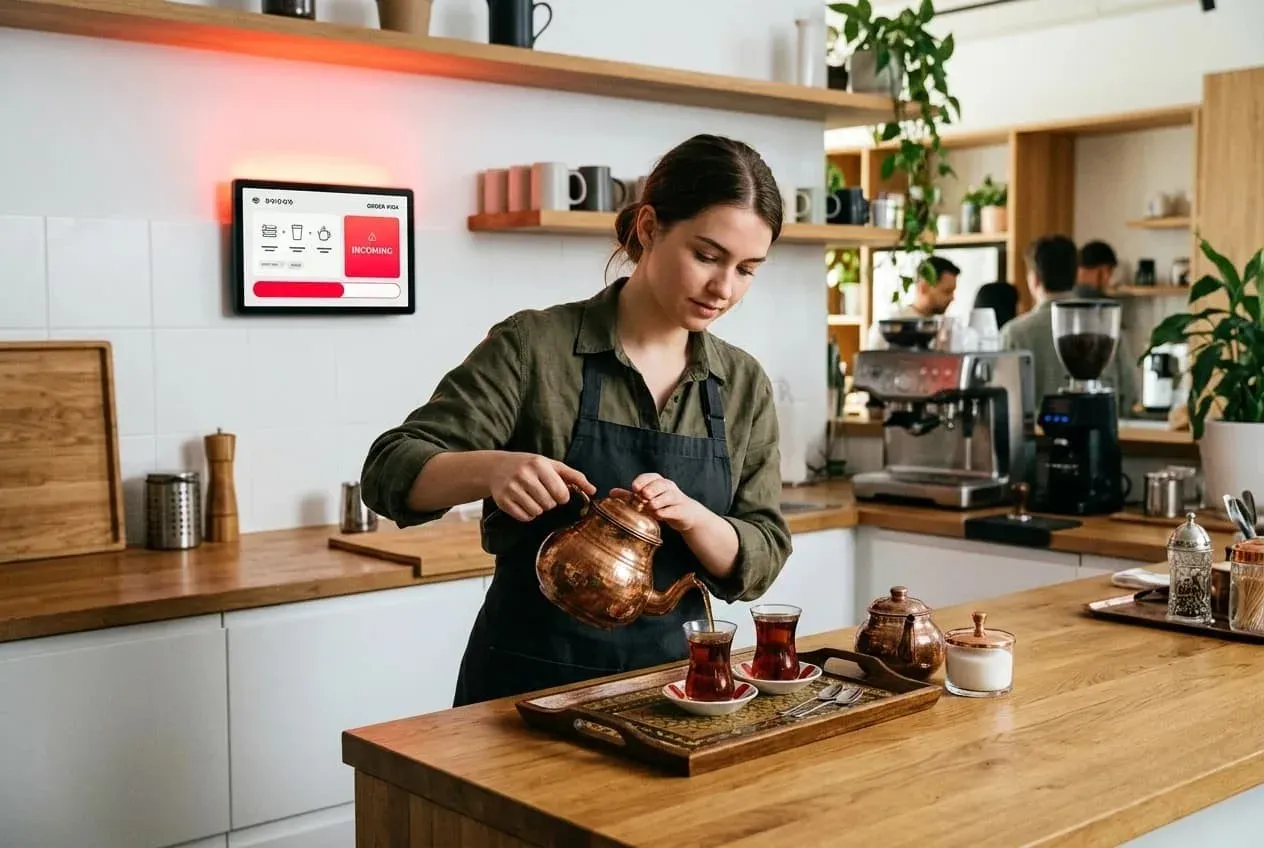
Order from Room 301
2 Tea
PreparingDeliveredOut of stock
Design the door, not just the booking.
Every panel wears a design you build in Room Manager and each design is previewed as free, waiting, busy and blocked before it goes on the wall.
Ready-made
The product's own design, its colour following the room
Your own, dark
The same elements on a background you upload
Your own, light
Elements placed where you want them


Room and panorama designs
Start a room design or a panorama design, save it and assign it to its rooms or panorama screens.
Virtual or real data
Design with sample meetings or with a real room's data as it is right now.
Drag, drop, import
Place each element and set its position and font; import a design made elsewhere or export yours.
Set up once. Run every room.
Run Room Manager in the cloud or on your own servers. Choose Exchange, Microsoft 365 or Google Workspace and give it an account with full rights on the room mailboxes. Users can come from Active Directory.
Microsoft Exchange
Microsoft 365
Google Workspace
Active Directory
Users sync every 10 minutes
IN ADMINISTRATION
Locations
Buildings, floors and rooms, nested as deep as you need.
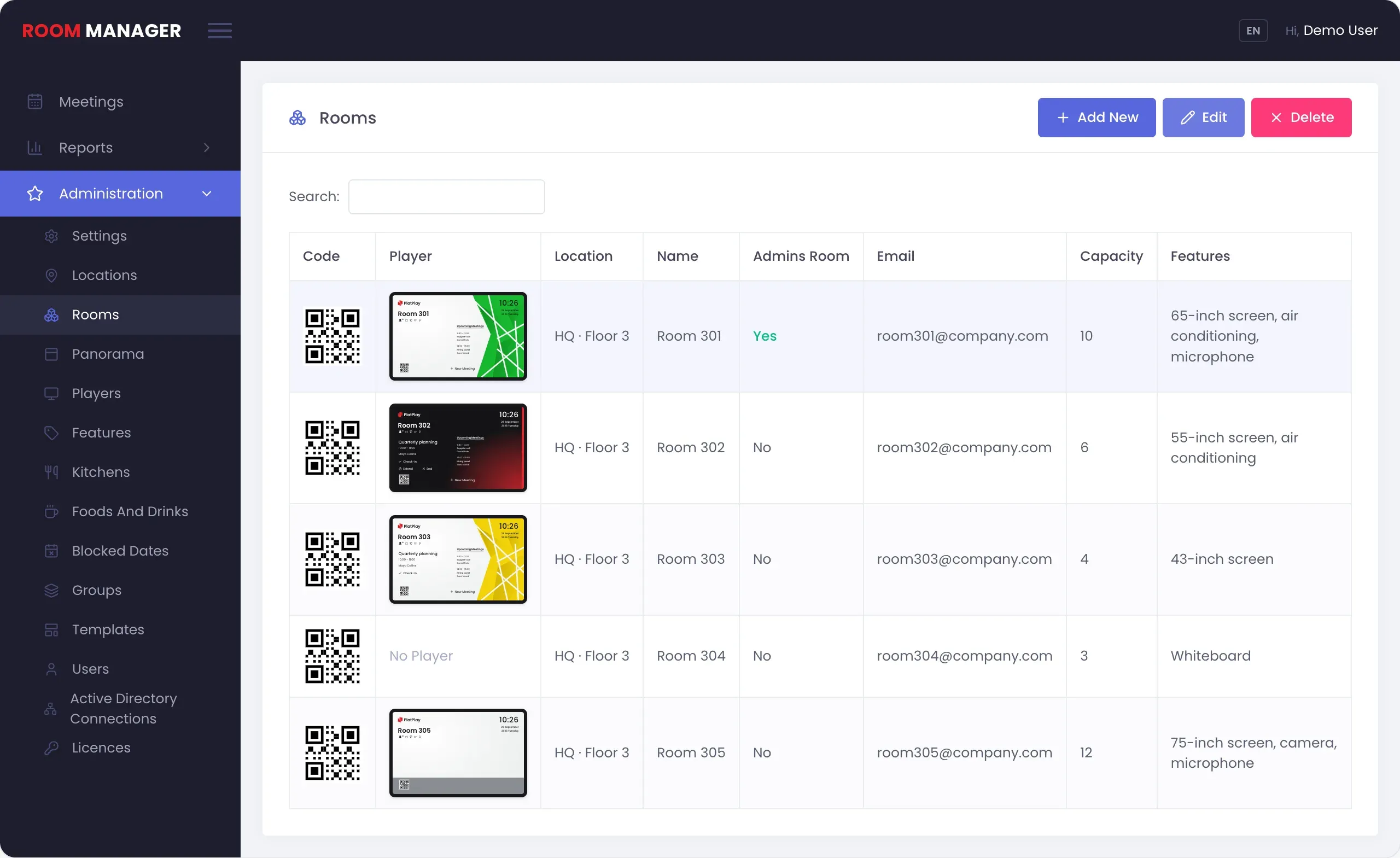
Rooms
Location, group, email, capacity, features and a template for each.
Groups
Rooms grouped your way, to filter bookings and to close them.
Features
A 65-inch screen, air conditioning, a microphone: whatever a room has.
Blocked dates
Close rooms by location, group or room for a date or all at once.
Delegation
A room can ask a named person to approve its bookings first.
Users and roles
Name, email, username, PIN and role or imported from a file.
Email
Your own mail server sends the meeting invitations.
Licenses
Every key, how many rooms it covers and until when.
Reports
Room and user reports for any dates, saved as Excel or PDF or printed.
Locations
Buildings, floors and rooms, nested as deep as you need.
Rooms
Location, group, email, capacity, features and a template for each.
Groups
Rooms grouped your way, to filter bookings and to close them.
Features
A 65-inch screen, air conditioning, a microphone: whatever a room has.
Blocked dates
Close rooms by location, group or room for a date or all at once.
Delegation
A room can ask a named person to approve its bookings first.
Users and roles
Name, email, username, PIN and role or imported from a file.
Your own mail server sends the meeting invitations.
Licenses
Every key, how many rooms it covers and until when.
Reports
Room and user reports for any dates, saved as Excel or PDF or printed.